./dtcw4 local generateHTML
./dtcw4 local generatePDF
generateHTML & generatePDF
generateHTML and generatePDF render your AsciiDoc sources using AsciidoctorJ.
On Windows, use WSL2 — dtcw4 is a Bash script.
|
The output is written to build/html5/ and build/pdf/.
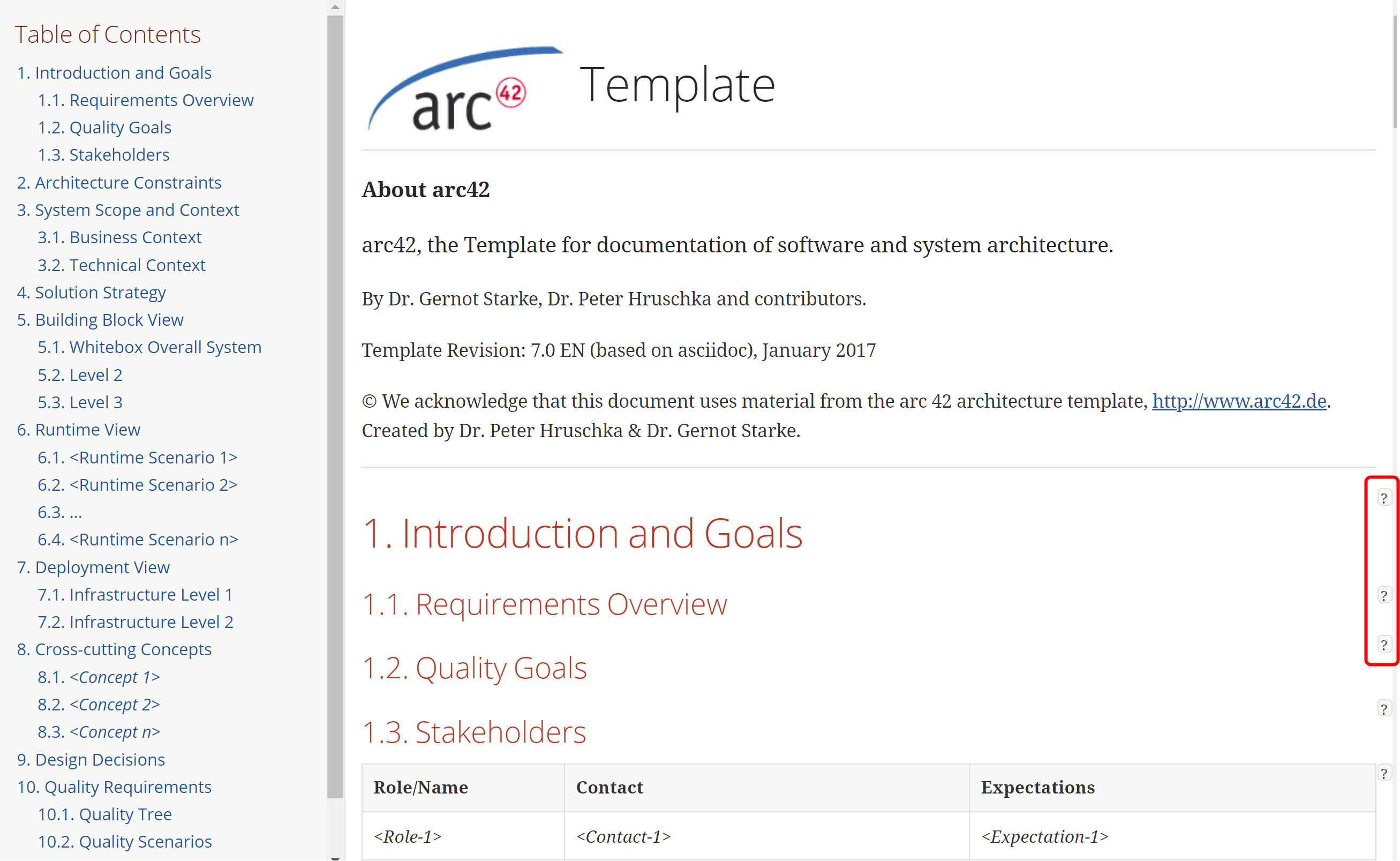
Figure 1. generated output of generateHTML task
As you can see in Figure 1, HTML output is rendered as a single page with a table of contents (TOC) on the left.
If using the withhelp version, help appears behind question mark icons on the right side of the page.
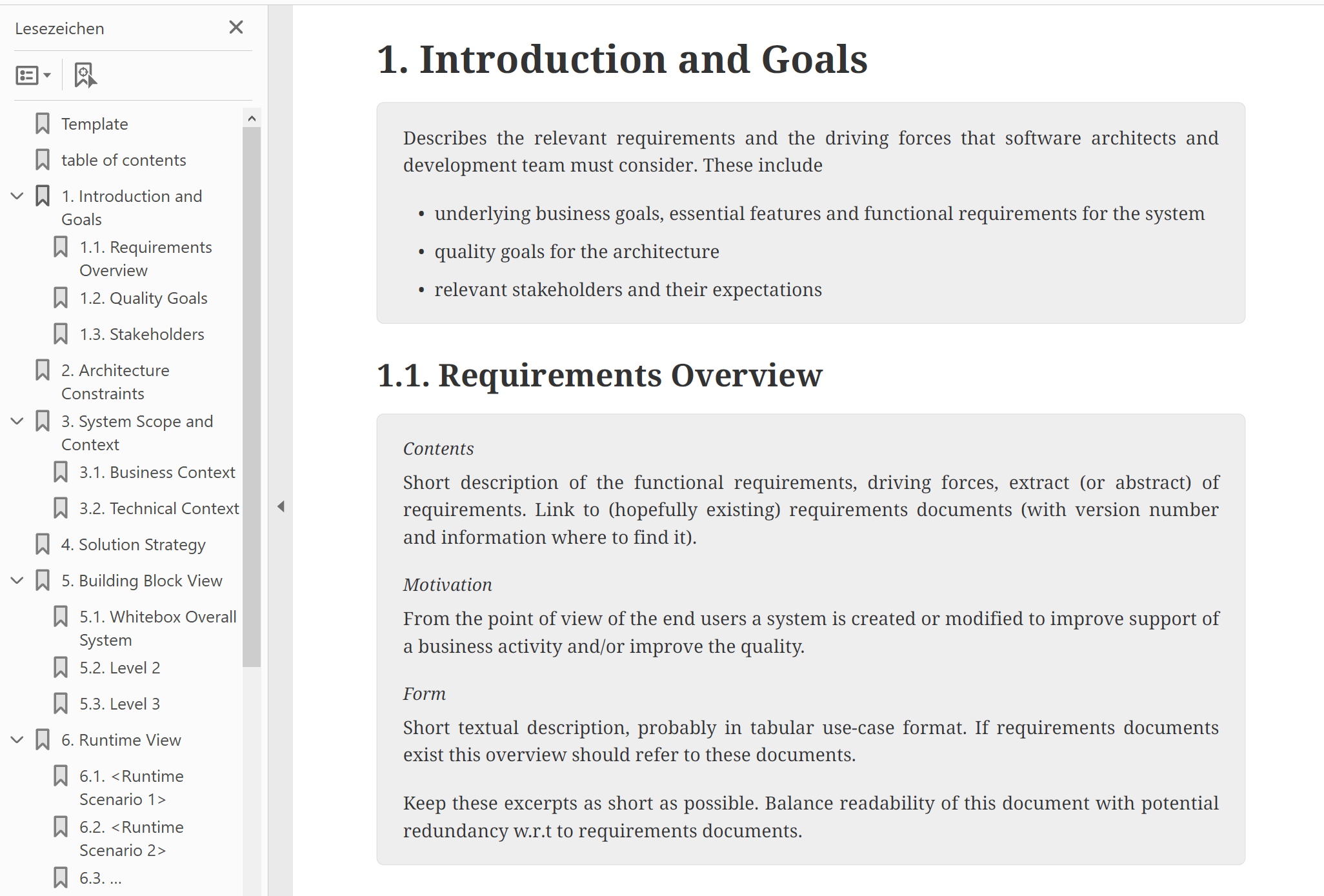
Figure 2. generated output of generatePDF task
Figure 2 shows the PDF output with a TOC on the first pages.
Both HTML and PDF outputs can be styled to suit your needs.
Configuration
Files to convert
The most important configuration is the inputFiles list in your docToolchainConfig.groovy:
inputFiles = [
    [file: 'arc42/arc42.adoc', formats: ['html','pdf']],
]
This lets you specify which files should be converted to which formats.
Working with the PDF style
Run ./dtcw4 local copyThemes pdfTheme to copy the bundled pdfTheme (including the example template_config/pdfTheme/custom-theme.yml) into your project, then reference it from your AsciiDoc file:
:pdf-themesdir: {docdir}/../pdfTheme
:pdf-theme: custom
See the AsciidoctorJ PDF theming guide for details.
Working with the HTML style
Add a pass-through block with CSS:
++++
<style>
  h2 {
    color: green;
  }
</style>
++++
For the generateSite task, there is a different mechanism to change the microsite styles.
|
Feedback
Was this page helpful?
Glad to hear it! Please tell us how we can improve.
Sorry to hear that. Please tell us how we can improve.